# iPad - Connecting to TWIN
This guide covers how to connect to TWIN with an iPad.
If your iPad is not in the office, you must connect to the VPN first.
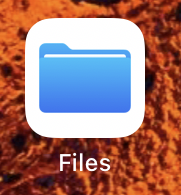
##### • Click on the Files app
[](https://bookstack.reinmuthconsulting.com/uploads/images/gallery/2022-08/UKOIupEVP5dL0041-vpn-odtm-01-files.png)
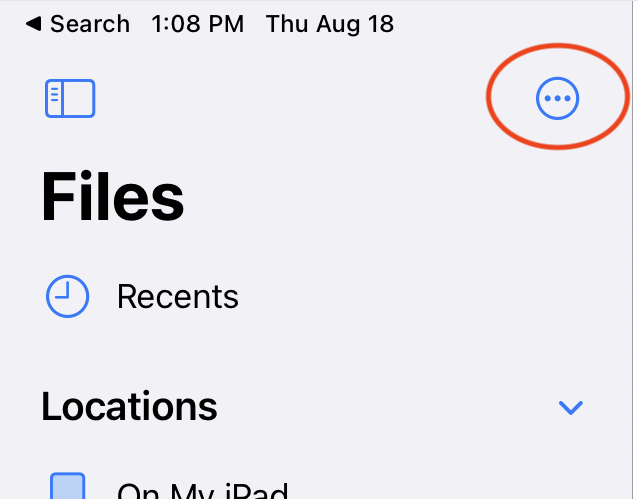
#### • Click on the three dots circled here:
[](https://bookstack.reinmuthconsulting.com/uploads/images/gallery/2022-08/eEquF6EDm57JSL0C-vpn-odtm-02-threedots.png)
(You might have to search for the Files app.)
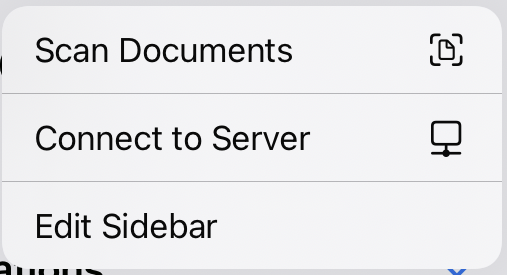
##### • Connect to Server
[](https://bookstack.reinmuthconsulting.com/uploads/images/gallery/2022-08/ouhZYXYpkkRcLwcN-vpn-odtm-03-connecttoserver.png)
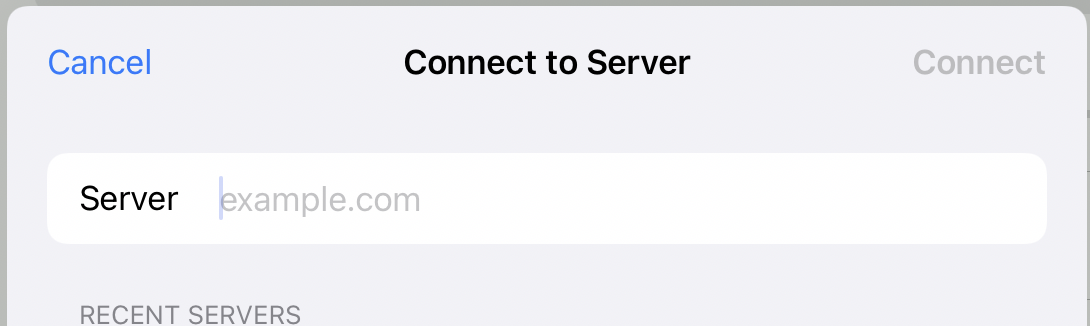
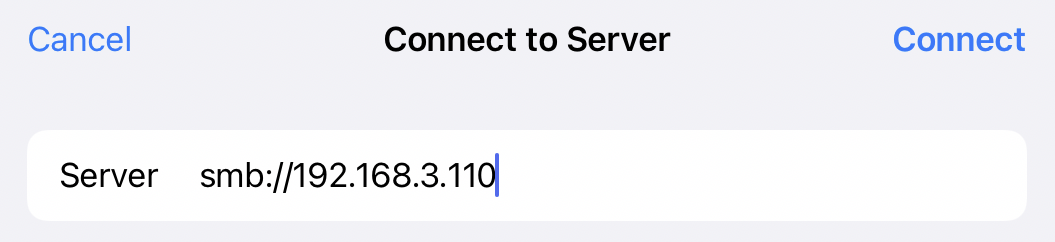
##### • Here is what you're see, please fill in `smb://192.168.3.110`
[](https://bookstack.reinmuthconsulting.com/uploads/images/gallery/2022-08/cGz5wSGbltwEZc2Z-vpn-odtm-04-blank.png)
##### • Should look like this:
[](https://bookstack.reinmuthconsulting.com/uploads/images/gallery/2022-08/JUvlrl1r2S3wKiG4-vpn-odtm-05-fillinaddress.png)
Now click `Connect`.
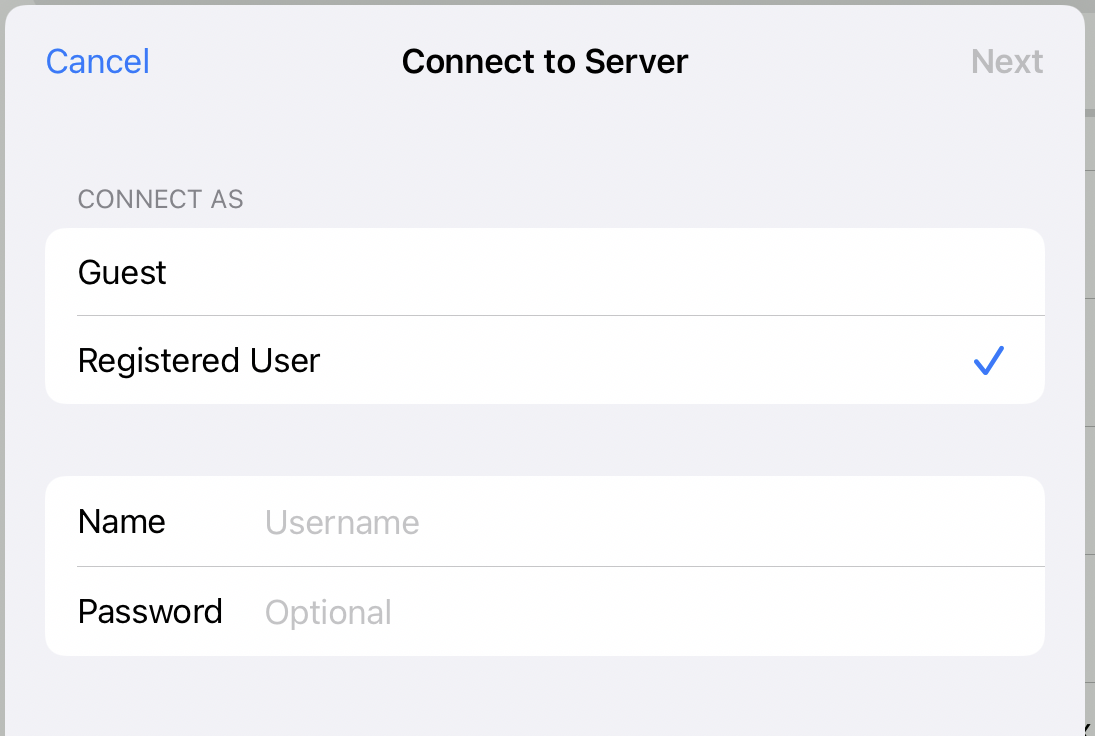
##### • Fill in Username and Password
[](https://bookstack.reinmuthconsulting.com/uploads/images/gallery/2022-08/tLSyATs2QjMHsX0M-vpn-odtm-06-fillinuserandpass.png)
Neither is optional, despite what it says.
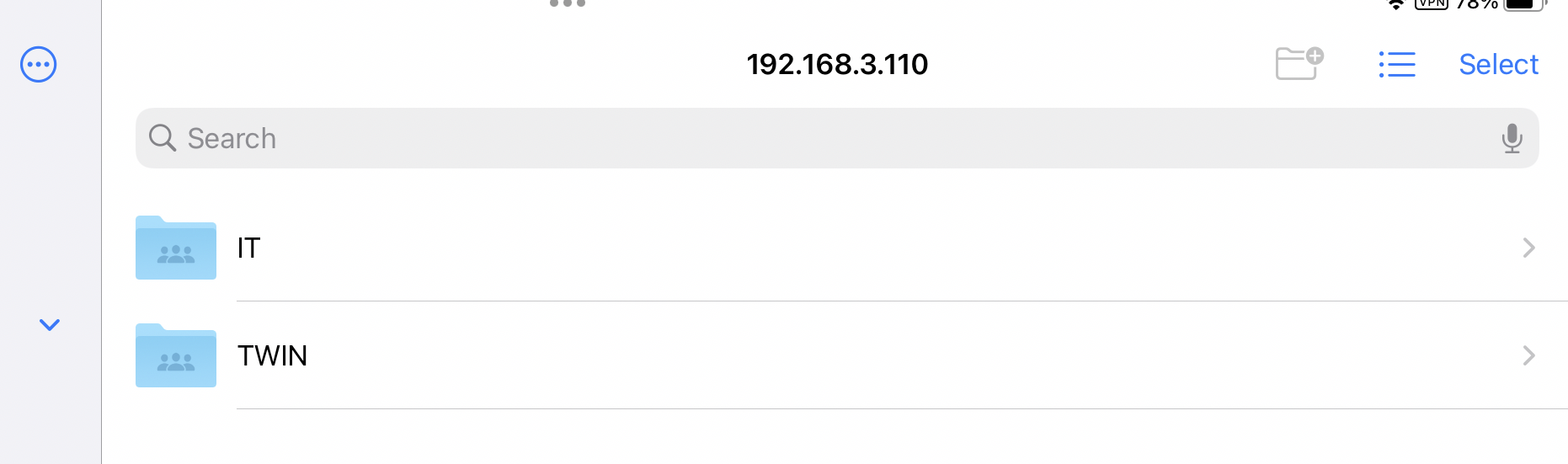
##### • This is a successful connection:
[](https://bookstack.reinmuthconsulting.com/uploads/images/gallery/2022-08/XkINgrMkLJjlas9t-vpn-odtm-07-connected.png)